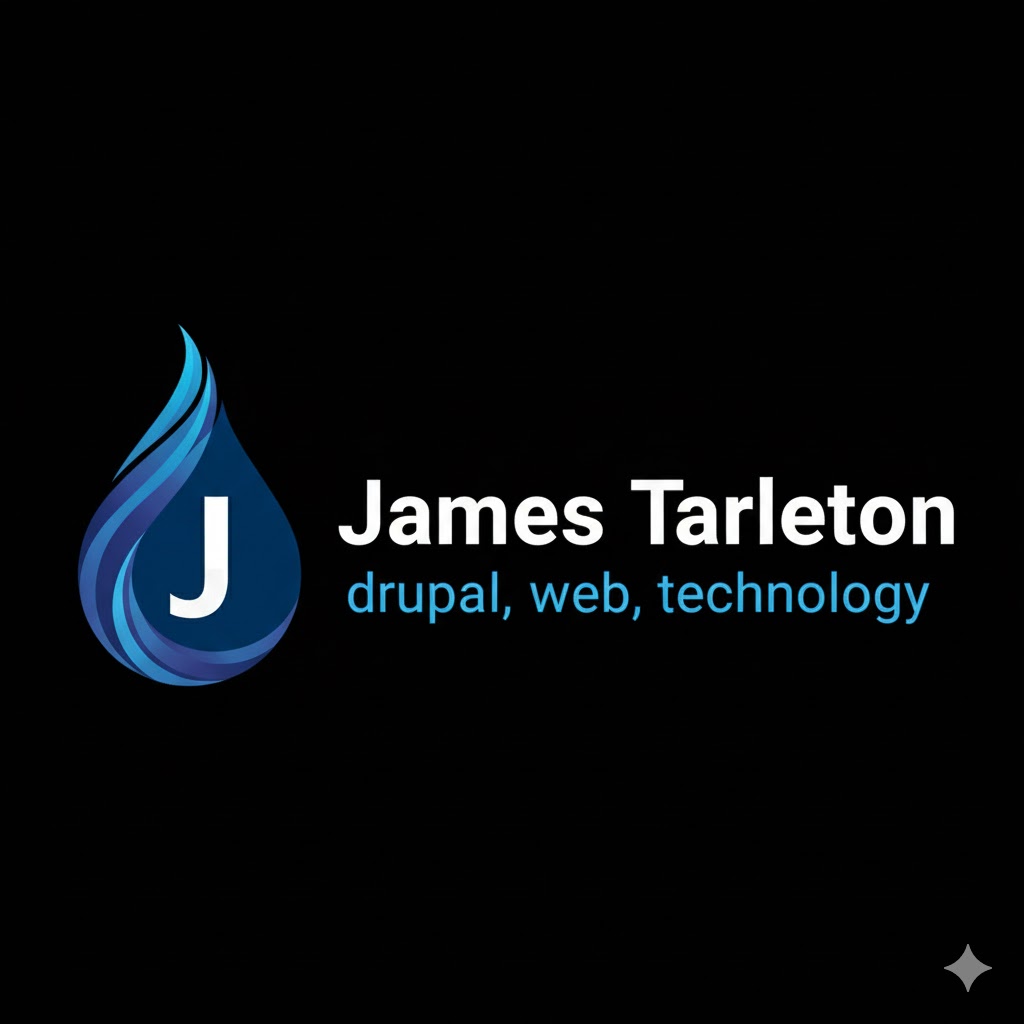

My Colors

This is a great starting point. Your existing blues form a beautiful, analogous gradient from a bright, electric cyan ("Vivid Azure") to a deeper, more professional steel blue.
To create a "good-looking" and functional palette that works on both black and white backgrounds, we need to add:
Transitional Neutrals: Grays that are cooler in tone to bridge the gap between absolute black and white without clashing with the blues.
A Complementary Accent: A color on the opposite side of the color wheel from blue (orange/gold) to create "pop" for buttons and calls to action.
A Functional Secondary: A color distinct from blue (like teal or green) for success states or variety.
Here is a cohesive palette built around your core colors, organized by function.
The "Electric Horizon" Palette
1. The Core Blues (Your Provided Colors)
These act as your primary brand identity. They should be used for headers, primary buttons, and major graphical elements.
Color Swatch | Hex Code | Name | Usage Notes |
#01aaff | Vivid Azure | The "Hero" color. Use for primary CTAs on dark backgrounds, or high-impact highlights. | |
#219ACF | Cerulean | The standard primary color. Good for buttons on light backgrounds and main headers. | |
#3271ab | Steel Blue | The professional anchor. Use for secondary text headers, footer backgrounds, or subtle UI elements. |
2. The Expanded Neutrals (Interface & Text)
Because you need to support both Black and White backgrounds, you need shades of gray that are tinted slightly blue to harmonize with the palette. Pure black and white can sometimes feel too harsh next to softer blues.
Color Swatch | Hex Code | Name | Usage Notes |
#000000 | Pure Black | Your provided dark background color. | |
#121A24 | Deep Abyss | A very dark blue-charcoal. Use this instead of pure black for cards or surfaces on top of a black background to create depth. | |
#4A5C6D | Slate Gray | A mid-tone cool gray. Perfect for secondary text (subtitles) on both light and dark backgrounds. | |
#E6EFF5 | Ice Vapor | An off-white with a tiny hint of blue. Use this for page backgrounds instead of pure white if you want a softer look, or for card surfaces on a pure white background. | |
#ffffff | Pure White | Your provided light background color and main text color for dark mode. |
3. The Accents (Action & Status)
To make the blues stand out, you need warmth. Orange is the natural complement to blue. We also add a fresh teal for variety.
Color Swatch | Hex Code | Name | Usage Notes |
#FF9F43 | Solar Flare | The complementary accent. Use sparingly for urgent CTAs, sale banners, or notification badges. It pops incredibly well against the dark blues. | |
#2DD4BF | Neon Mint | A secondary accent bridging blue and green. Use for "Success" states, checkmarks, or alternative highlights. |
How to apply this palette
The key to making this look "good" is contrast management depending on your background.
Scenario A: Light Background (White / Ice Vapor)
On a light background, your blues need to be darker to be readable, and your accents need to not be too neon.
Background: #ffffff (White) or #E6EFF5 (Ice Vapor)
Primary Text: #000000 (Black) or #121A24 (Deep Abyss - softer look)
Secondary Text: #4A5C6D (Slate Gray) or #3271ab (Steel Blue)
Primary Button/Header: #219ACF (Cerulean)
Accent/Call to Action: #FF9F43 (Solar Flare) - Warning: ensure white text on this orange passes accessibility standards; you may need dark text on the orange button.
Scenario B: Dark Background (Black / Deep Abyss)
On a dark background, you want your brightest colors to shine like neon lights.
Background: #000000 (Black)
Surface/Card Background: #121A24 (Deep Abyss)
Primary Text: #ffffff (White)
Secondary Text: #E6EFF5 (Ice Vapor) or #4A5C6D (Slate Gray)
Primary Button/Highlight: #01aaff (Vivid Azure) - This color looks incredible against black.
Accent/Call to Action: #FF9F43 (Solar Flare)
Recent content
-
1 hour 3 minutes ago
-
1 week ago
-
1 week 1 day ago
-
1 week 1 day ago
-
1 week 1 day ago
-
1 week 6 days ago
-
2 weeks ago
-
2 weeks 1 day ago
-
2 weeks 1 day ago
-
2 weeks 2 days ago